Overview
Zellbox is a CRM built for service businesses that schedule appointments with customers — nutritionists, clinics, salons, tutors, trainers, small medical practices. It bundles a customer database with Google Calendar two-way sync, WhatsApp Business messaging, Gmail-backed email, and internal team chat in a single workspace.
What's in the box
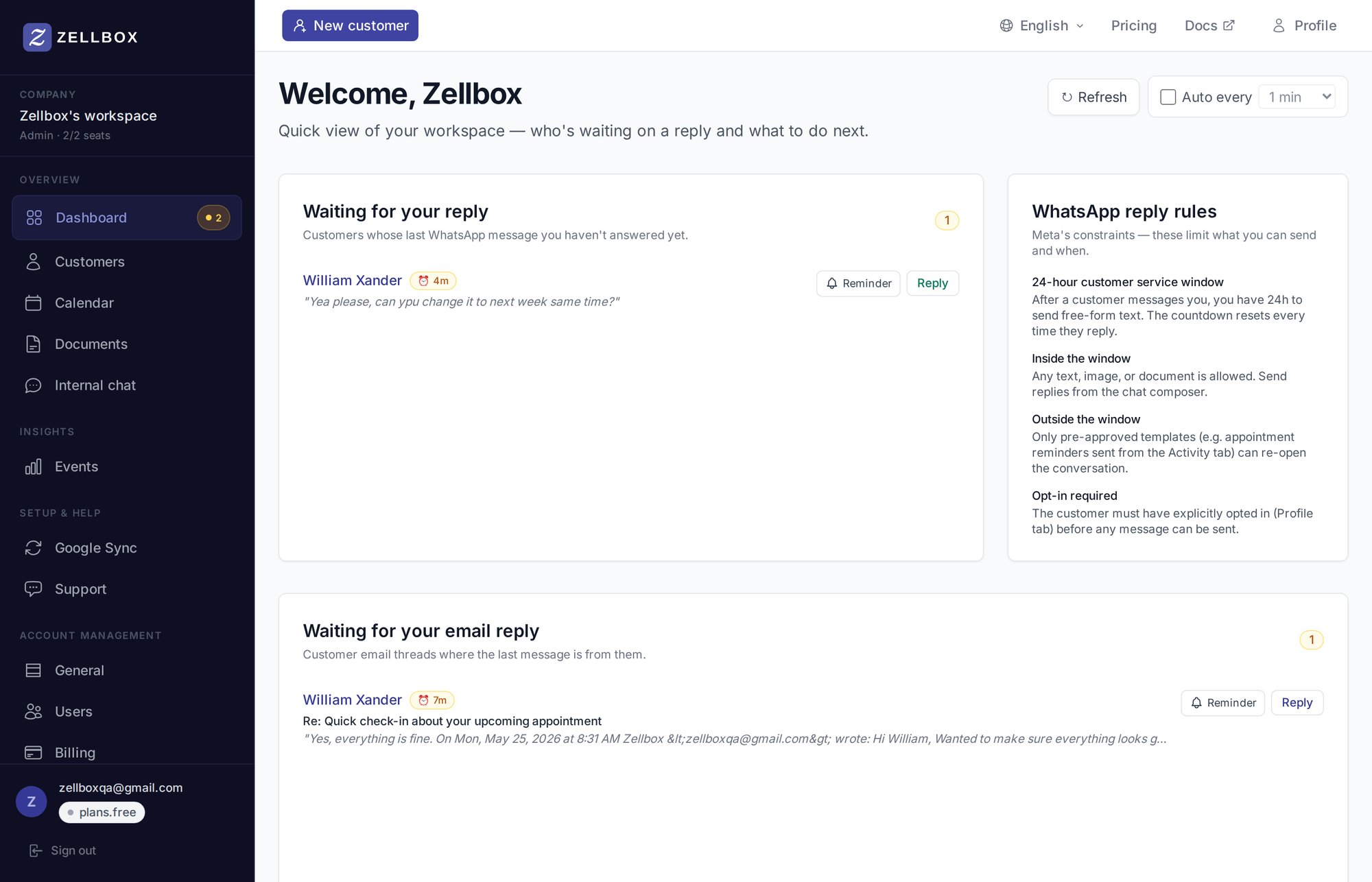
Dashboard
The day's at-a-glance view — pending WhatsApp + email replies and any calendar-sync alerts that need action.
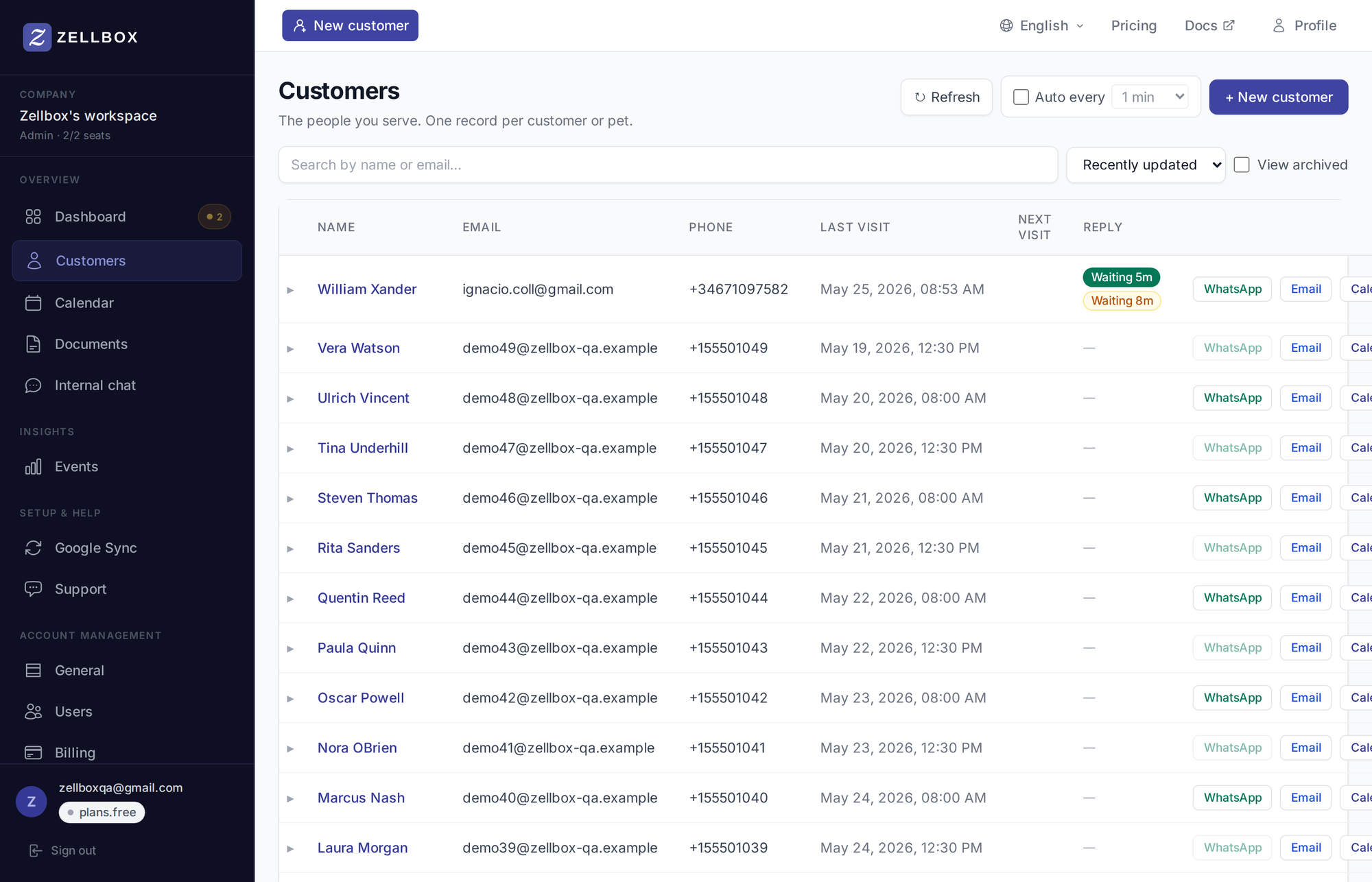
Customers
The CRM core: list, search, expandable detail panel (Profile / Consents / Documents / Reminders). WhatsApp and email threads open as full popups from row action buttons. Bulk import via Excel.
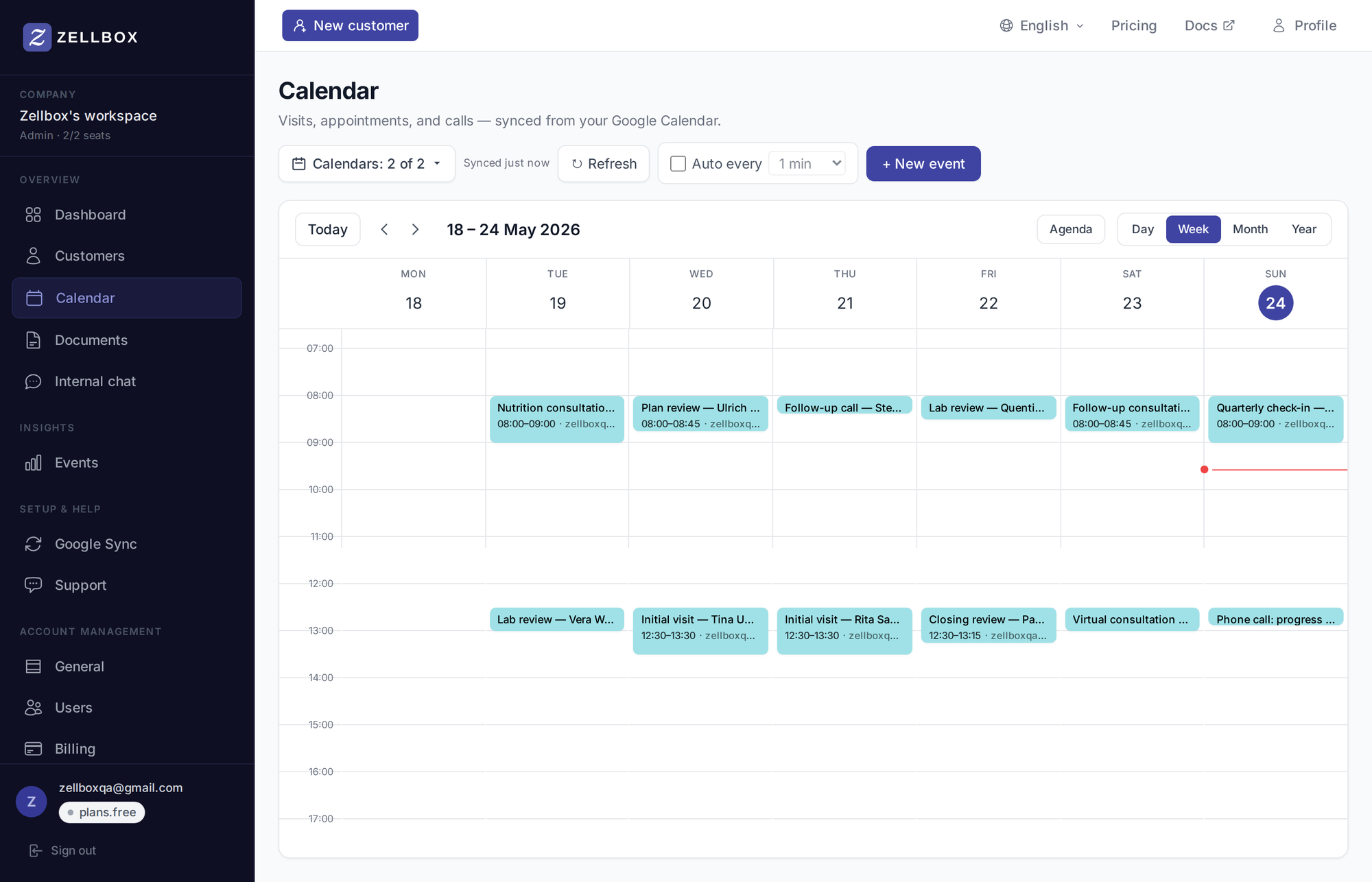
Calendar
Two-way Google Calendar sync. Multi-calendar selection so a receptionist can drive several practitioners' calendars from one screen. Event sharing into the internal chat, cancel-with-reason for reporting.
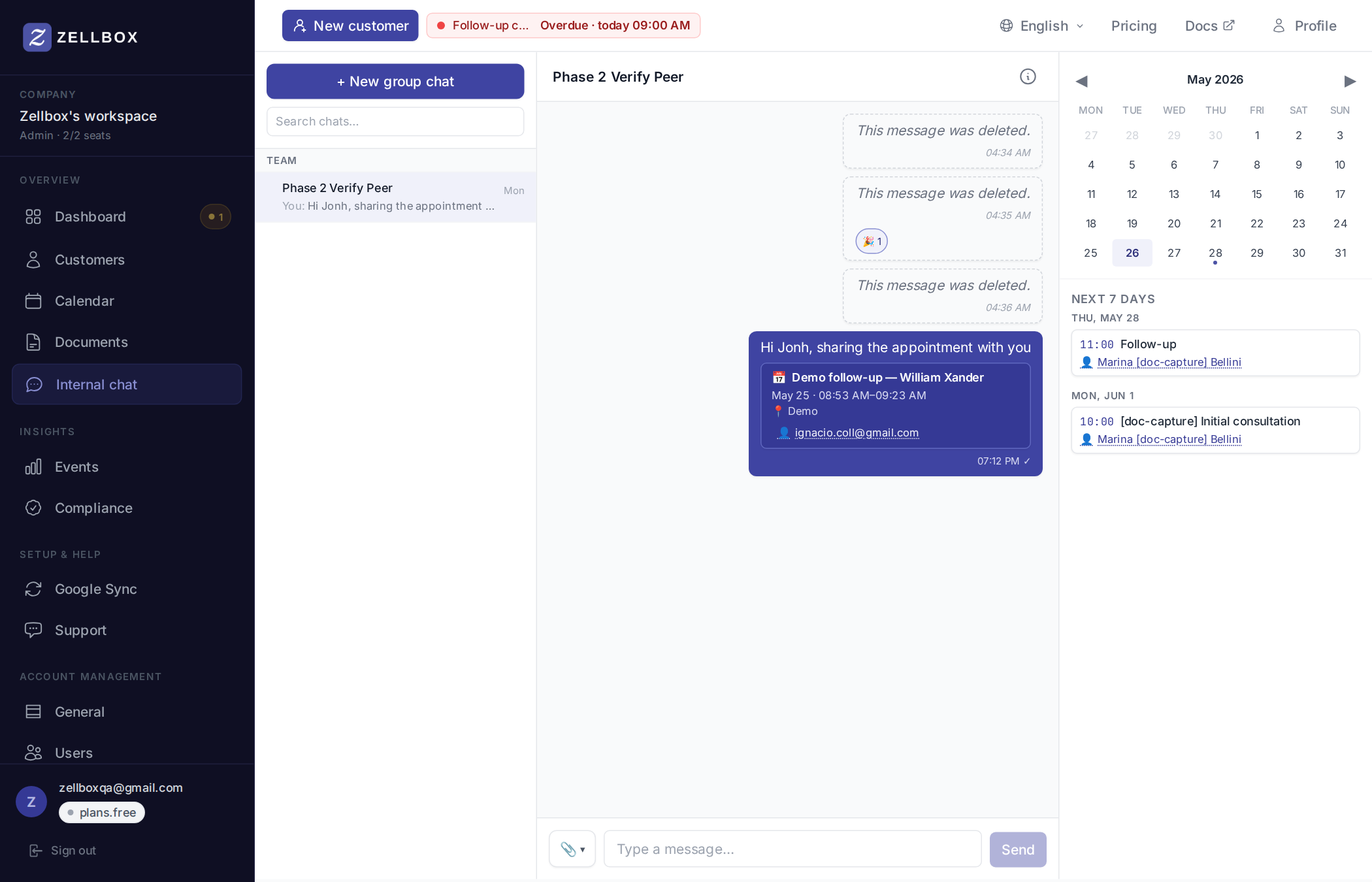
Chat (internal)
Team chat with direct messages from the workspace roster, group chats, replies, reactions, edit/delete, attachments from your computer or the workspace documents library, calendar-event sharing.
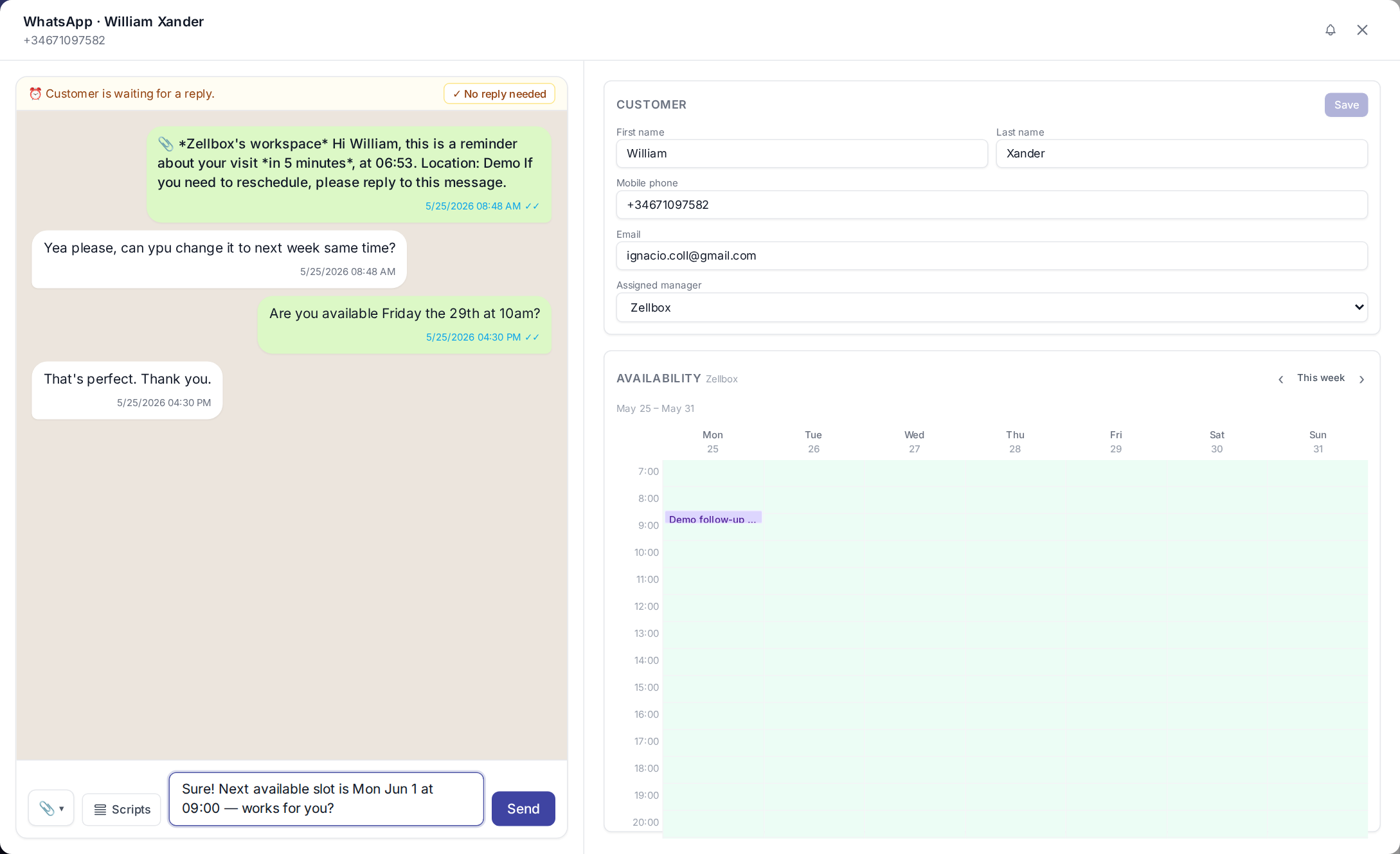
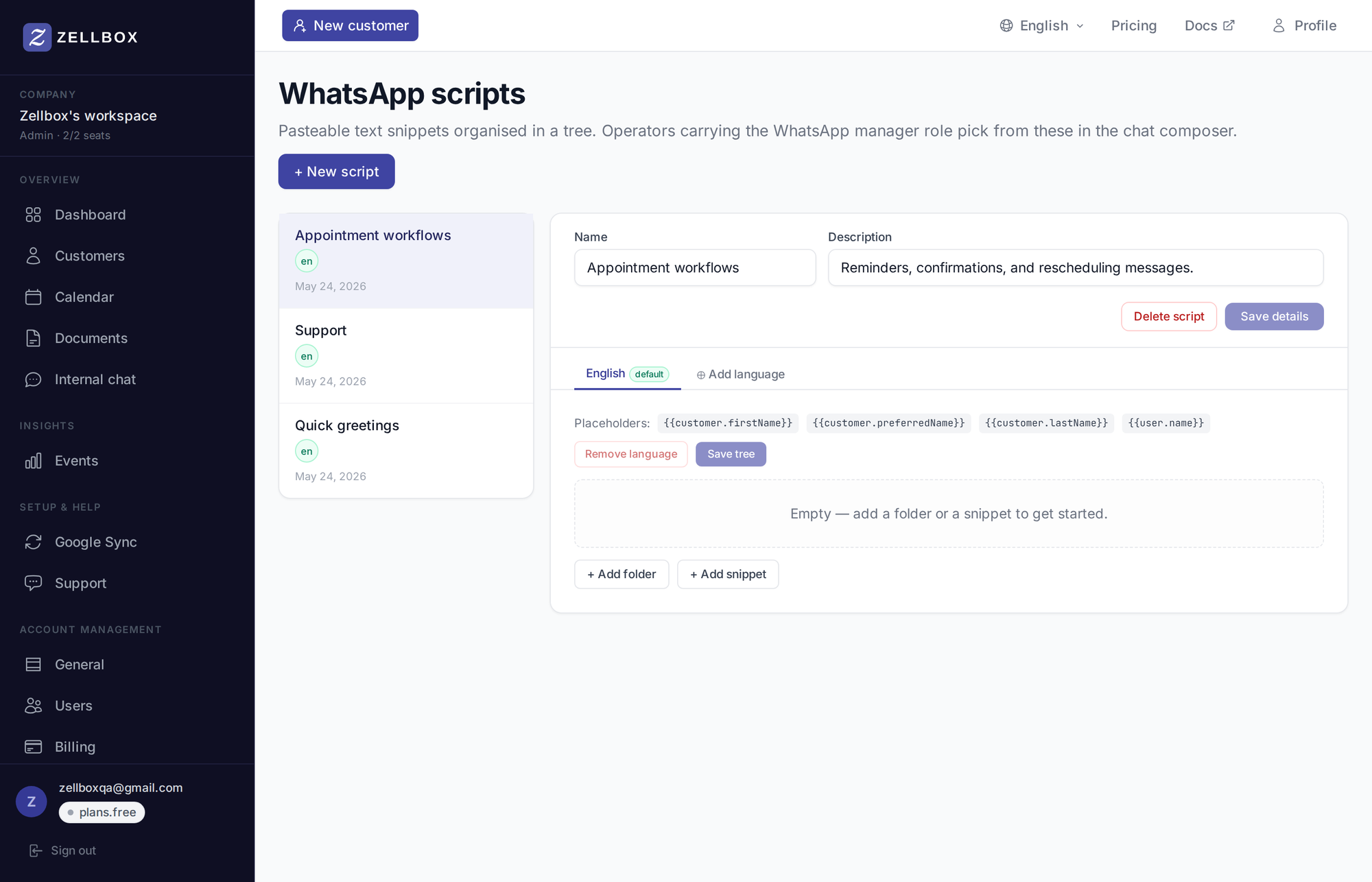
Send and receive on WhatsApp Business per customer. Pasteable script snippets (Templates → WhatsApp scripts) for the most-common message flows. Per-conversation "no reply needed" tracking for the dashboard.
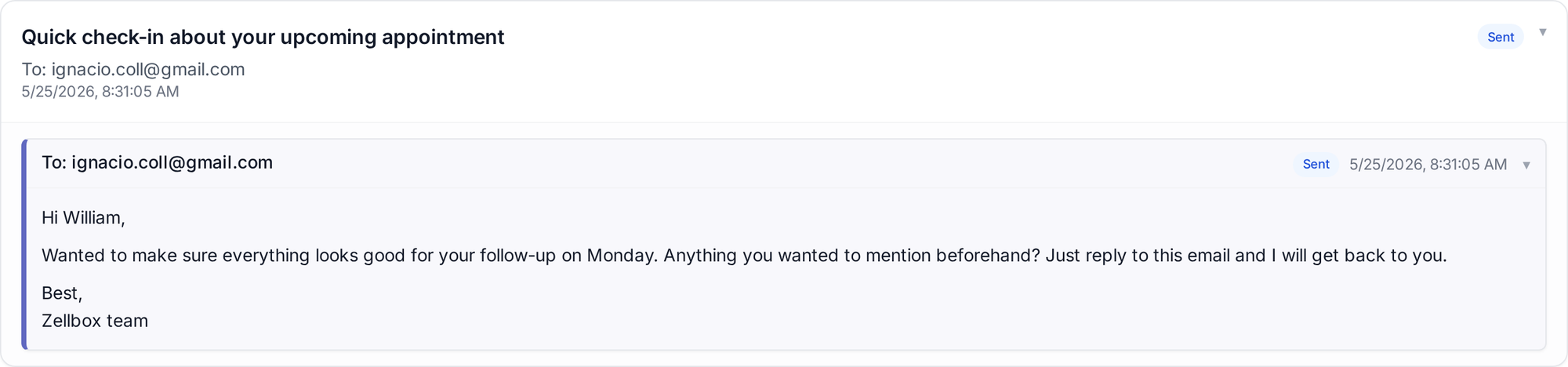
Connect Gmail per operator; send from the customer's email popup; receive inbound replies with attachments grouped by thread. When Gmail isn't connected, Zellbox sends and receives on your behalf from its own mailer.
Documents
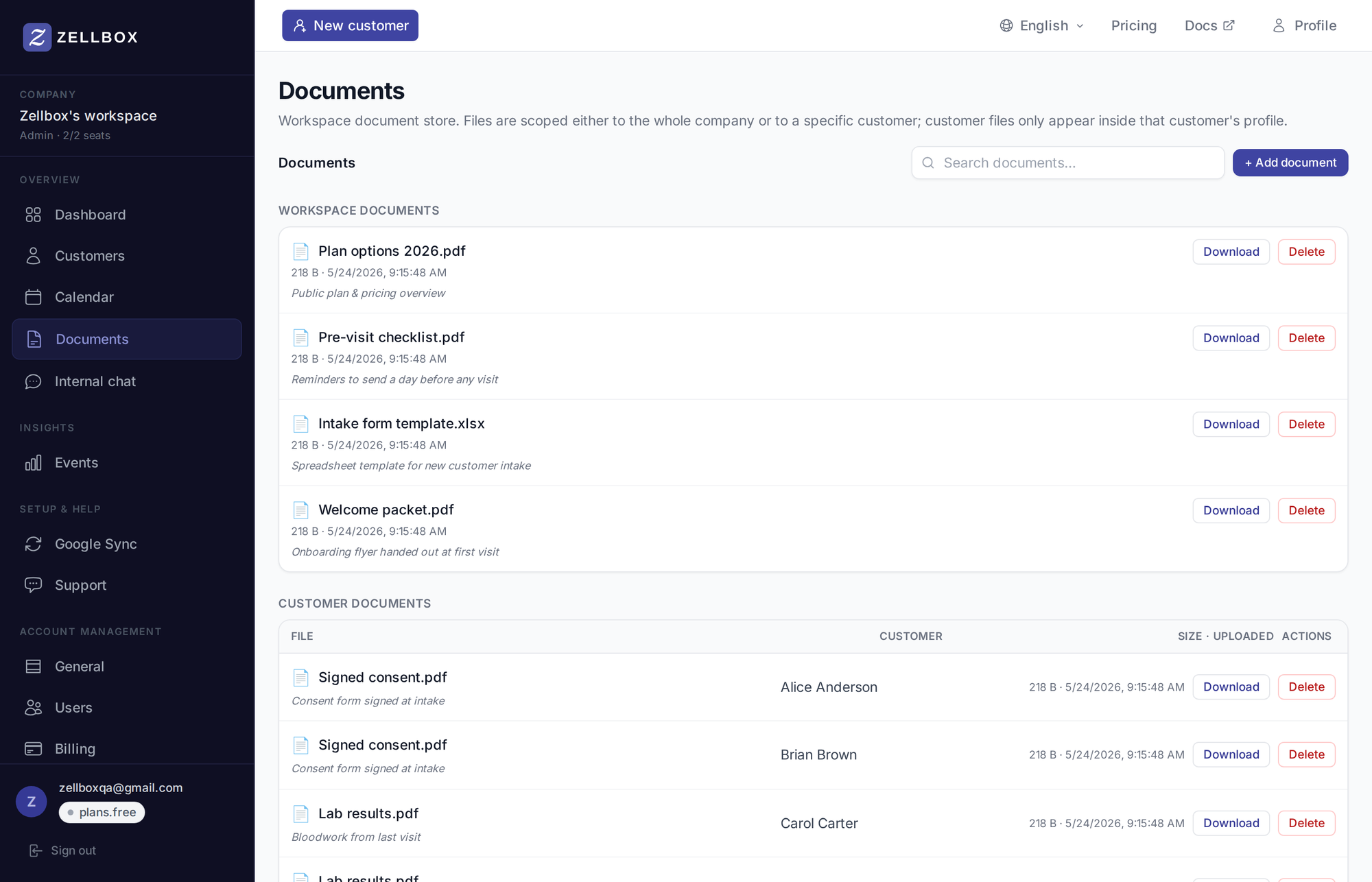
Workspace document library + per-customer documents. Pickable as attachments from the email / WhatsApp / chat composers via a 3-source picker.
Templates
Email templates, WhatsApp scripts, questionnaires — all with the same {{customer.firstName}}-style variable substitution at send time.
Insights
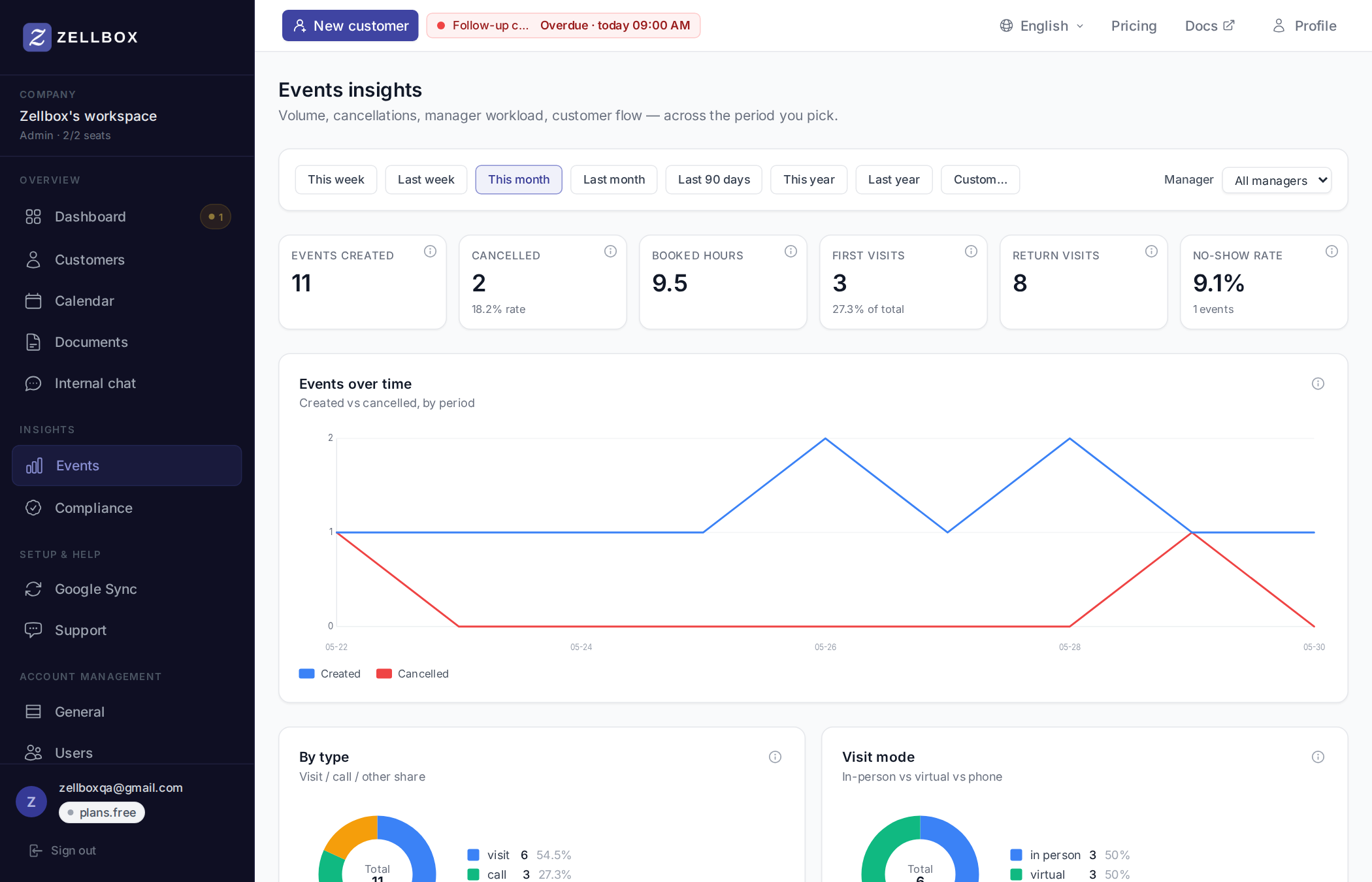
Pre-aggregated event reports — volume, by type, by visit mode, by manager, cancellation reasons, peak hours, retention cohorts, lead time.
Settings & Admin
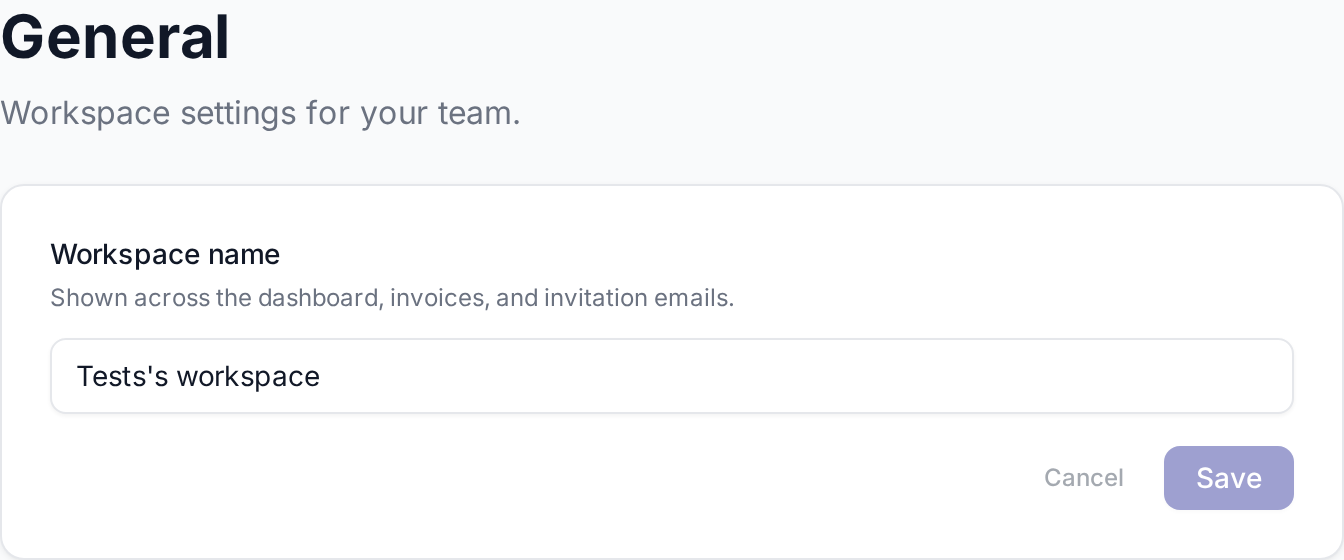
General workspace settings (incl. Event cancellation reasons), Team & seats, API keys, Google sync, Recovery (90-day safety net for any event Zellbox cancels, deletes, or wipes), Custom fields.
User roles
Zellbox distinguishes two orthogonal axes: a system role that controls what admin surfaces an operator can reach, and CRM roles that gate specific operational capabilities.
System roles
Every member carries exactly one system role.
- Admin — full access. Renames the workspace, invites + removes teammates, sets other members' roles, edits billing details, manages API keys, configures workspace defaults (calendar invites, reminder types, default reminder schedule).
- Privileged — senior operator. Can do everything a member can plus all CRM operations across the workspace: create/edit/archive any customer, see every customer in the list (not just their own), upload/delete workspace documents, see workspace-wide pending replies + insights, re-assign customers to other managers. Cannot manage the team, change billing, rename the workspace, or alter workspace defaults.
- Member — day-to-day operator. Sees and acts on the customers they own. Cannot create or edit customers, cannot upload workspace documents, sees only their own pending replies + insights.
CRM roles
Each member can additionally carry one or more CRM roles. They're independent of the system role and gate specific behaviours:
- Customer manager — only members with this role appear in the Assigned-manager picker on the customer + event forms. A workspace without any customer-managers will have an empty owner picker.
- WhatsApp manager — gates the WhatsApp surface entirely. Members without this role don't see WhatsApp row-buttons, can't open the chat popup, and the dashboard "Waiting for your reply" widget is hidden for them.
Workspace-level settings (plan, users, billing) live in Account — General.
A "customer" in Zellbox is the person + their visit history — see Customers for how to search, filter, and archive them.
Beyond WhatsApp, Zellbox also sends templated emails — see the email docs for how the sidebar-send flow works.
Got a specific question? Check the FAQ — WhatsApp setup, pricing, GDPR, Meta approvals all covered.
Message sending uses Meta-approved WhatsApp scripts — the editor lives in Settings > Templates.
Every WhatsApp send picks from the Templates — WhatsApp library — browse approved templates by category and language.