Reference list values
Reference list values are the small, finite pick-lists that show up on forms in Zellbox. The only user-managed list is Event cancellation reasons — the workspace defines the reason codes used in the event-cancel dialog, and Insights groups cancellations by those codes.
The editor lives on the Account → General page (route /account/general), under the Event cancellation reasons section. The legacy URL /settings/list-values redirects to it, so old bookmarks keep working.
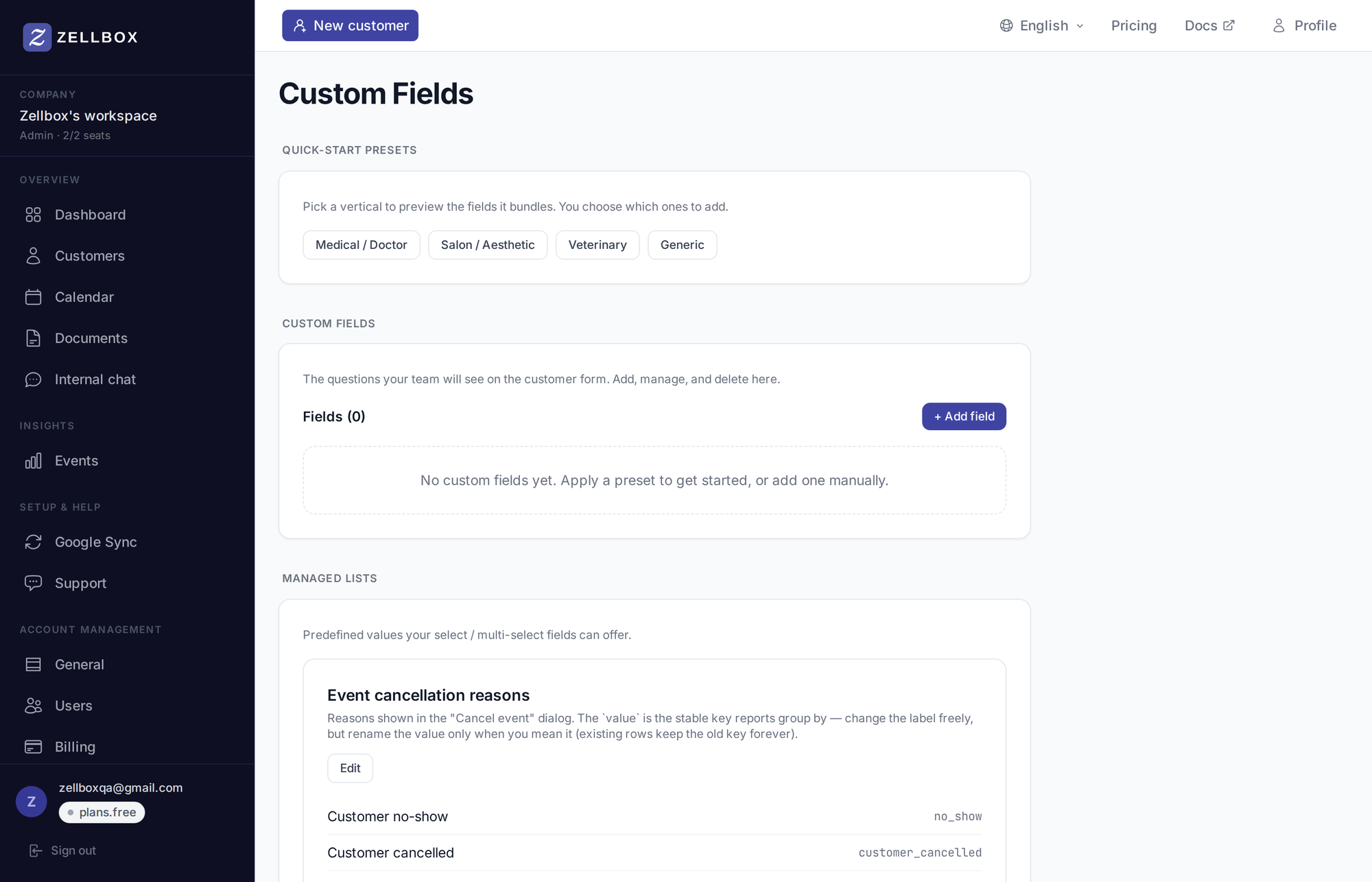
Editing the list
- Open Account → General from the sidebar.
- Scroll to Event cancellation reasons (sits right after Default WhatsApp reminders).
- Click Edit to open the option editor.
- Edit values:
- + Add value — appends a new option (
valueis the stable key;labelis what operators see). - Drag the grab handle to reorder.
- Edit an option in place to rename its label.
- 🗑 removes a value.
- + Add value — appends a new option (
- Click Save.
Reports group cancellations by the option's value key, so rename labels freely, but only rename a value when you mean it — already-cancelled events keep the old key forever.
Other lists in the system
There are a few pick-lists used elsewhere in the product that don't show up on this editor:
- Preferred contact channels (email / SMS / WhatsApp / phone) is the contact-preference dropdown on the customer form.
- Customer source / lead origin populates the Source field on the customer form.
Both ship with sensible defaults. They aren't editable from the UI today; if you need to customise them, contact support.
Custom lists
You can't author new top-level managed lists from this page. If you need a new pick-list, add it as a dropdown or multi-select custom field on customers via Customer fields, or as a question on a questionnaire.