API keys
API keys give external integrations programmatic access to your workspace's data without using a member's login. Any authenticated operator can create and manage their own keys — there's no admin-only gate on this page. Each key carries a label (what it's for) and tracks its creation date + last-used timestamp so you can spot stale keys.
The number of keys you can hold at once is capped per plan (Free: 1, Mid: 10, Top: 50).
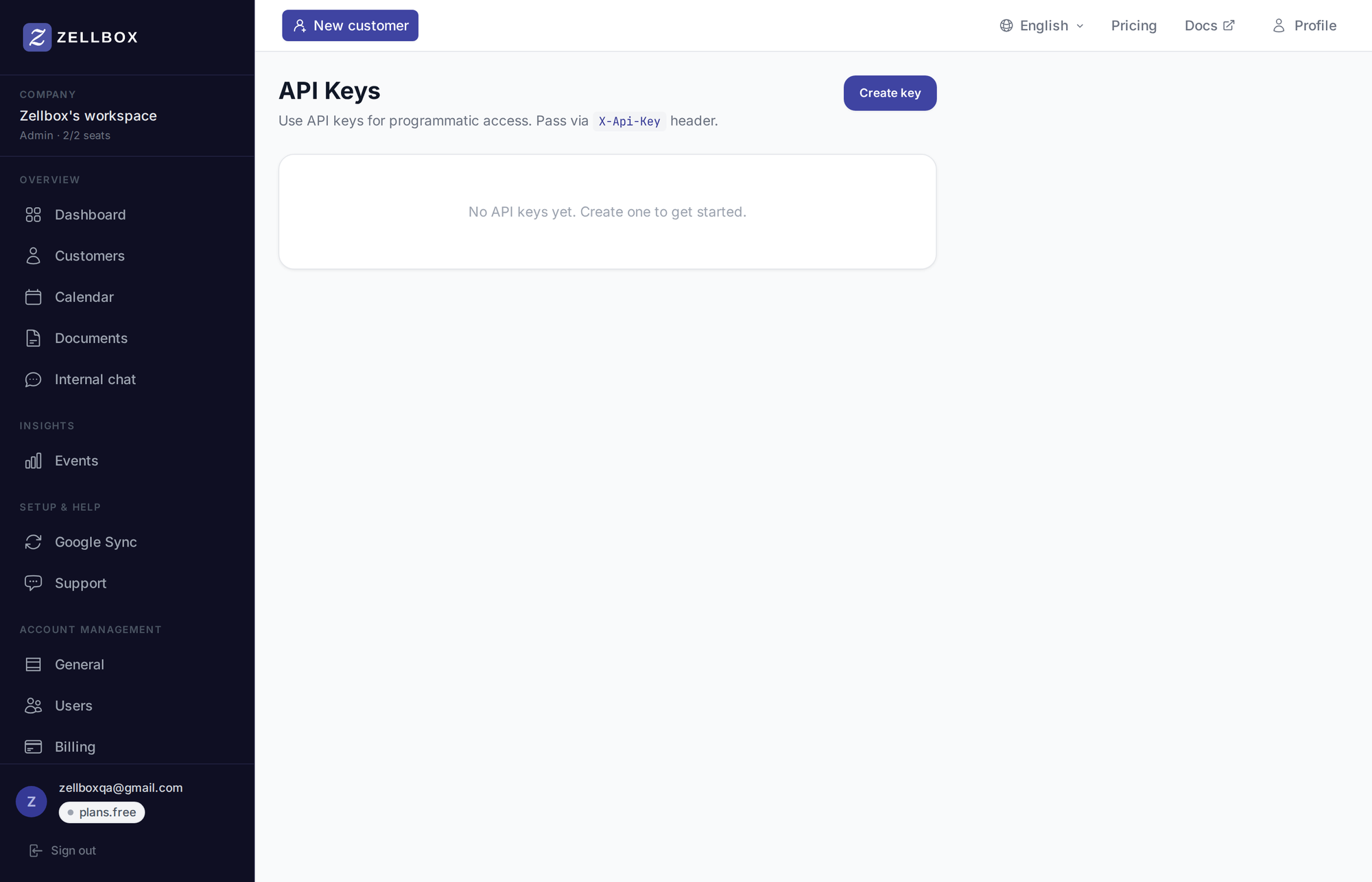
Creating a key
- Click Create key at the top of the page.
- Enter a descriptive label — what's it for? Examples: "Zapier integration", "Internal reporting tool", "Mobile app".
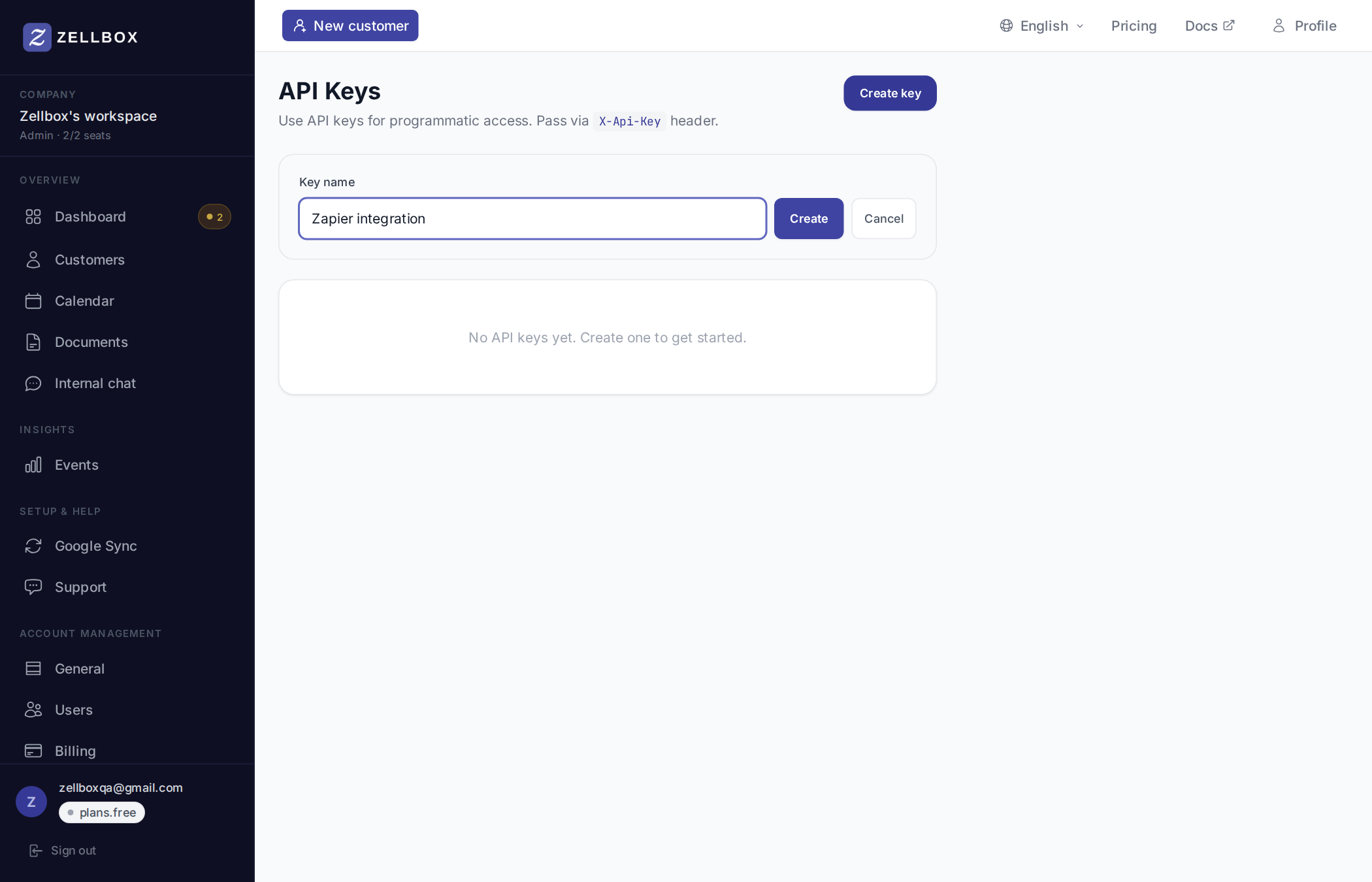
- Click Create. The key is shown once — copy it immediately. You won't see it again after closing the banner.
- Paste the key into your integration. Zellbox accepts it on any endpoint the workspace exposes via the
x-api-key: <key>request header.
Treat keys like passwords. Anyone with the key has the same data access as the operator who created it. Rotate immediately if a key leaks.
Rotating a key
There's no in-place rotation. To rotate:
- Create a new key with the same purpose.
- Update your integration with the new key.
- Once you've confirmed the integration works, delete the old key from the list.
Deleting a key
- Find the key in the list.
- Click Delete on its row.
- Confirm in the dialog. The key is revoked instantly — any in-flight requests using it will start failing with 401 on the next call.