Fitness Studio Onboarding: The 7-Message WhatsApp Sequence
Most yoga, pilates and CrossFit studios send a welcome email and hope. A 7-message WhatsApp onboarding sequence for the first class pack, with no extra coach time.
 by Nacho Coll
Nacho founded Zellbox to give appointment-driven small businesses — clinics, salons, spas, physio, aesthetics, vets, mental-health, and fitness studios — a WhatsApp-first calendar and customer record system.
The 7-message onboarding playbook you can run this week
A new member’s first pack is the only stretch where you still have their full attention. The sequence below spans their first four to six weeks, from booking to the renewal conversation. Each step has one job, and each message is short enough to read on a lock screen.
| # | When | Job | How to send it in Zellbox |
|---|---|---|---|
| 1 | Day 0, on booking | Confirm the class, set expectations | Calendar event on the first class; the built-in reminder covers the confirmation timing |
| 2 | Day 1, or the day before the first class | ”What to bring” and where to park or check in | Built-in reminder with a lead time, plus a WhatsApp script for the extras |
| 3 | Day 3, after the first class | Check-in: how did it go? | Manual send from the shared inbox, or an approved template |
| 4 | Day 7 | ”How did you feel the day after?” | Manual send, using a saved script |
| 5 | Day 14 | Streak feedback, suggest a second class type | Manual send, using a saved script |
| 6 | Session 7 of 10 | Renewal nudge | Manual send until you decide on a trigger (see below) |
| 7 | After the last session | Short survey, then the reactivation offer if they lapse | Manual send, or a questionnaire |
Be honest with yourself about the third column. In Zellbox today, the part that fires on its own is the appointment reminder: it is tied to a Google Calendar event and sent through a WhatsApp template. The check-ins, streak messages and renewal nudges are messages your team sends from the inbox. A saved script makes each one a few seconds of work. A rule that sends them without anyone clicking is no built-in path yet, so don’t plan around one.
Step 1: Booking confirmation (day 0)
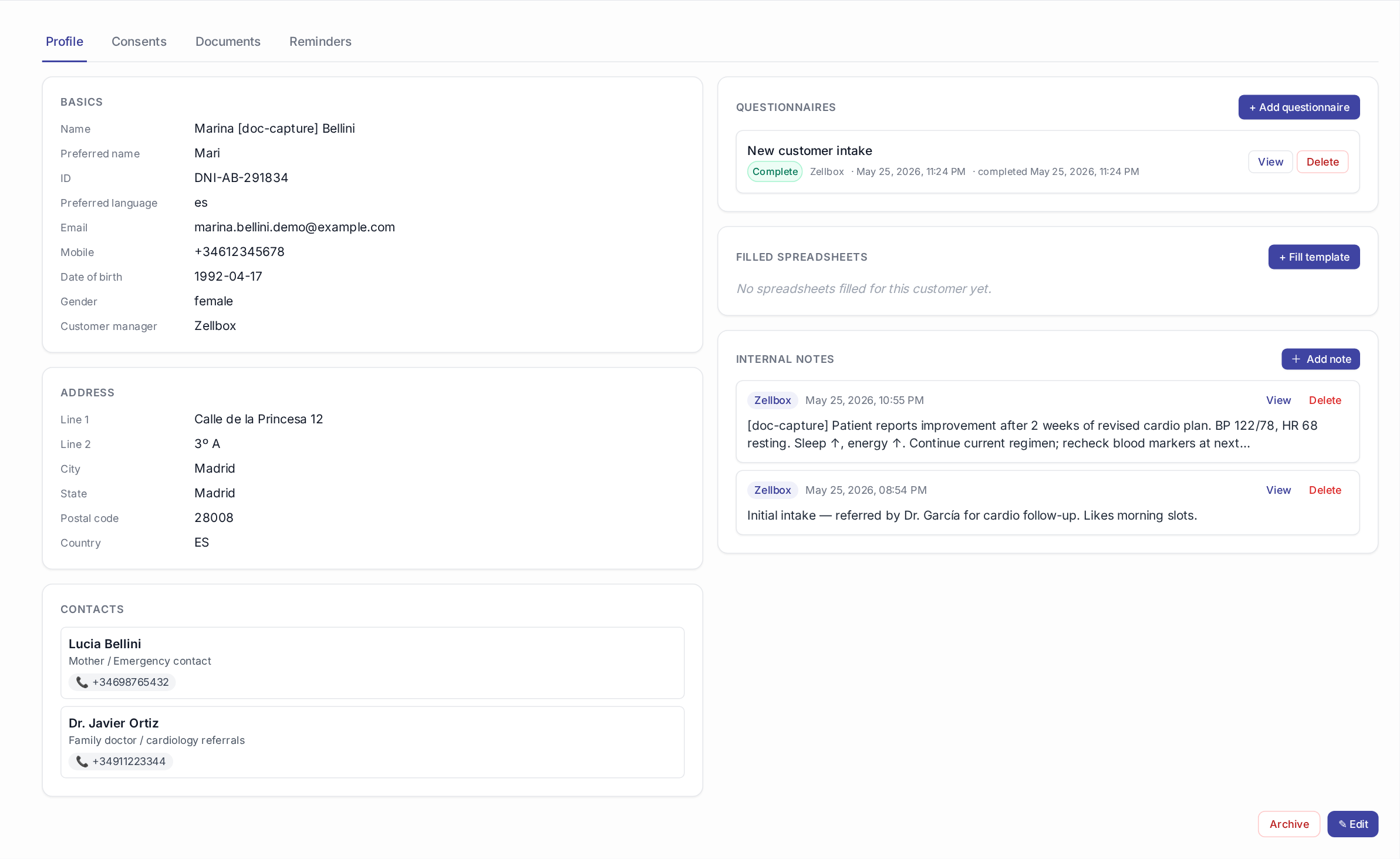
The member books their first class. Put it on the calendar as an event linked to their customer record, and the reminders hang off that event.
Reminder offsets are configurable per event. The available lead times run from 5 minutes up to 7 days, and you can attach up to five per event. For a first class, a long lead time and a short one work well: one the day before, one a couple of hours out.
Reminder: your first class at the studio
Hi Sara,
Your intro Pilates class with Marta is booked for Friday at 18:30.
See you then.
— Sent by Zellbox
Reminders go out as WhatsApp templates, and Meta has to approve a template before it can be used outside the 24-hour customer-service window. Allow time for that before launch day. Our template approval guide covers what gets rejected and why.
Step 2: “What to bring” (day 1, before the first class)
First-timers cancel because of small unknowns: do I need my own mat, can I eat beforehand, where do I enter. Answer them before they ask.
Once the member has replied to you in the last 24 hours, you can send free text. Outside that window, only an approved template works. A WhatsApp script holds the copy so nobody types it from memory. Scripts are saved snippets organised in folders, and they support placeholders such as the customer’s first name.
Hi Sara, a few quick things for Friday:
Bring water and a towel. Mats are provided. Arrive 10 minutes early so Marta can meet you before class starts.
Step 3: Post-first-class check-in (day 3)
Two or three days after the first class, ask one question. Not “please rate us”. Ask something a person answers in one line.
Hi Sara, it’s Marta from the studio. How did the first class feel? Anything that was too hard, too easy, or confusing?
Replies land in the same shared inbox as everything else, on the customer’s own record. That matters more than the wording: the answer is stored where the next coach will see it.
Step 4: “How did you feel after?” (day 7)
By day 7 the soreness has come and gone. A short message helps the member connect the workout to the result.
Hi Sara, a week in. How are you feeling compared with before you started? Any class you’d like to try next?
If they name a class type, book it in the calendar there and then, in the same thread. That turns a pleasant reply into a second visit.
Step 5: Streak feedback (day 14)
Two weeks in, tell the member what they have actually done. You know the attendance, so say it.
Hi Sara, that’s your third class in two weeks. Nice rhythm. Want me to hold your Tuesday 18:30 spot every week?
Keep it specific and keep it human. A generic “Keep it up!” reads as automation, and a message that mentions their actual Tuesday does not.
Step 6: The renewal nudge (session 7 of 10)
This is the message that protects revenue. Send it while the member still has a few sessions left, so renewing feels like continuing rather than restarting.
Pack counting is where you need to be realistic. Zellbox does not ship a dedicated class-pack counter today. Decide where the count lives and keep that source authoritative. Many studios use a custom customer field (Zellbox supports workspace-defined custom fields on the customer profile) or whatever their payment tool reports. Then your team sends the nudge when the count hits 7. The renewal link should go to your own payment page. If you collect payment through Stripe, put that link in the message. Our deposits guide shows a similar pattern for payment links.
Hi Sara, you’re at 7 of 10. Want to grab the next pack while you’re in the rhythm? Here’s the link: [your payment page]
The reasoning for the timing is the same one we describe in the class-pack renewal playbook: nudge while the member is still attending, not after the pack has already run out.
Step 7: Post-pack survey and reactivation
When the last session is used, send two lines: thanks, and one question about what they would change. A questionnaire is a good fit here because the answers attach to the customer record.
If the member does not renew, send a single reactivation message a week later with two or three concrete classes they can book this week. Send one, not a sequence. A second message in the same fortnight starts to feel like pressure.
Rules that keep the sequence from backfiring
- Opt-in first. Only message members who have given you their WhatsApp number for this purpose. Record consent on the customer record; the GDPR checklist for clinics applies equally well to studio member data.
- Stay inside the 24-hour window for free text. Outside it, use an approved template, otherwise the send fails.
- One question per message. Messages that ask two things get answers to neither.
- Hand off to a human. Replies from members should reach a coach or front-desk person quickly. The whole value of this sequence is that it feels like the studio paying attention.
- Don’t promise results in the copy. Describe what the member will experience in class, not what they will achieve by a date.
Where to start if you only have an hour
- Create the first-class event for a test member and set two reminder offsets.
- Write the day 1, day 3 and day 7 messages as scripts.
- Pick where the pack count lives and write down the “send at 7” rule for your team.
- Run it for the next three new members and adjust the wording from their replies.
Want this to run on rails instead of in someone’s head? Start free with Zellbox — Starter is free forever, no credit card. Connect Google Calendar + WhatsApp Business in 10 minutes.
About this article: This article was drafted by an AI assistant using Zellbox’s content workflow, then reviewed and approved by Nacho Coll. Product capabilities described reflect Zellbox as it ships today; competitor pricing is sourced from public pricing pages on the date above. If you spot an inaccuracy, please open an issue at https://github.com/blockchain-web-services/zellbox/issues. Read more about how we use AI in our content and meet the people behind Zellbox.
About the author
Nacho Coll
Founder & Engineer at Zellbox
Nacho founded Zellbox to give appointment-driven small businesses — clinics, salons, spas, physio, aesthetics, vets, mental-health, and fitness studios — a WhatsApp-first calendar and customer record system. Writes about WhatsApp Business automation, no-show economics, recall-cycle playbooks, and the operational realities of running visit-driven businesses at scale.