Website widget
WhatsApp website widget features
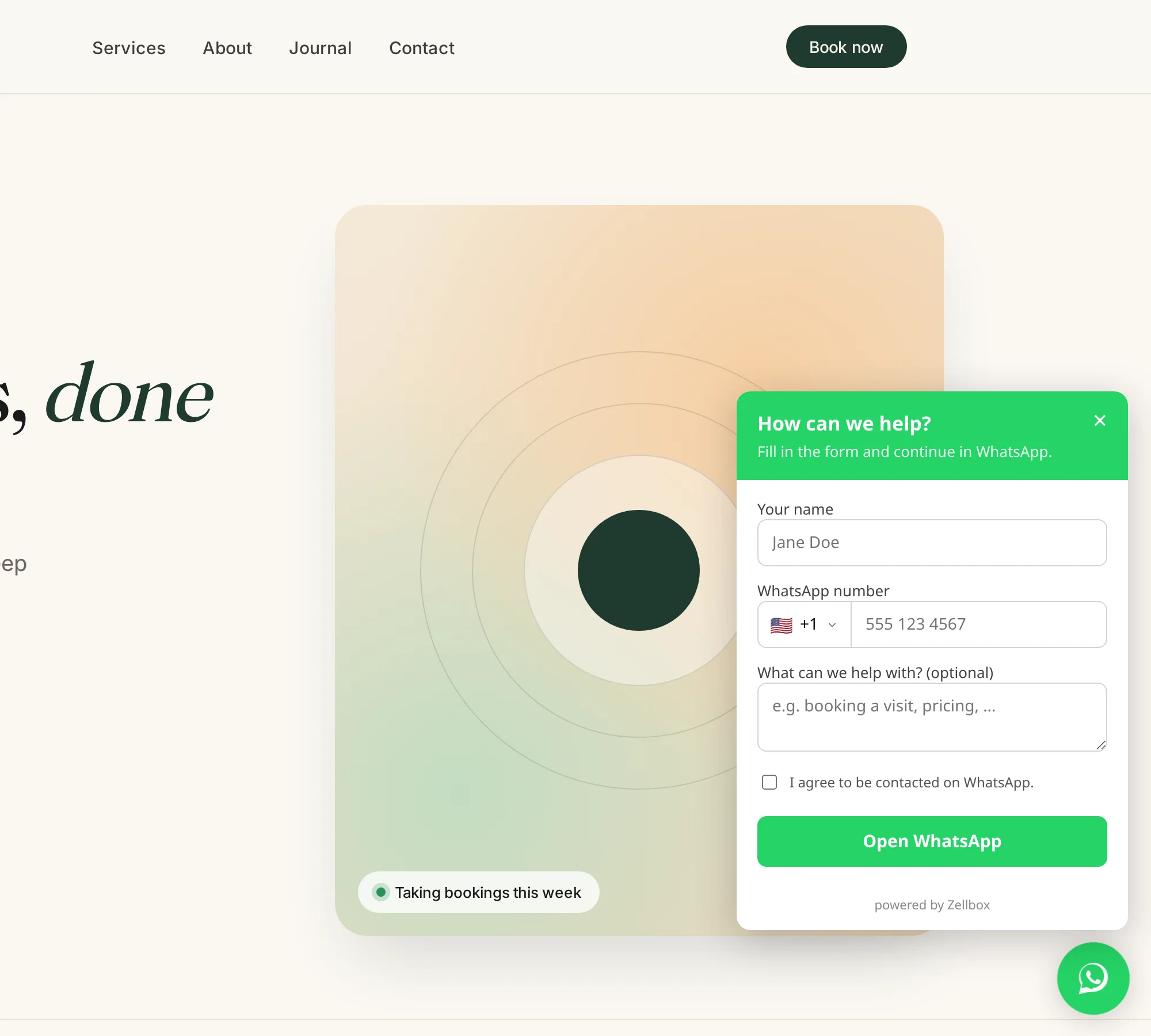
A WhatsApp button for your website that captures the lead before the chat opens and sends an approved template from your own number. The widget is one <script> tag of self-contained vanilla JavaScript, and works on every website that can host a script — WordPress, Shopify, Squarespace, Webflow, or hand-rolled HTML.
All website widget features
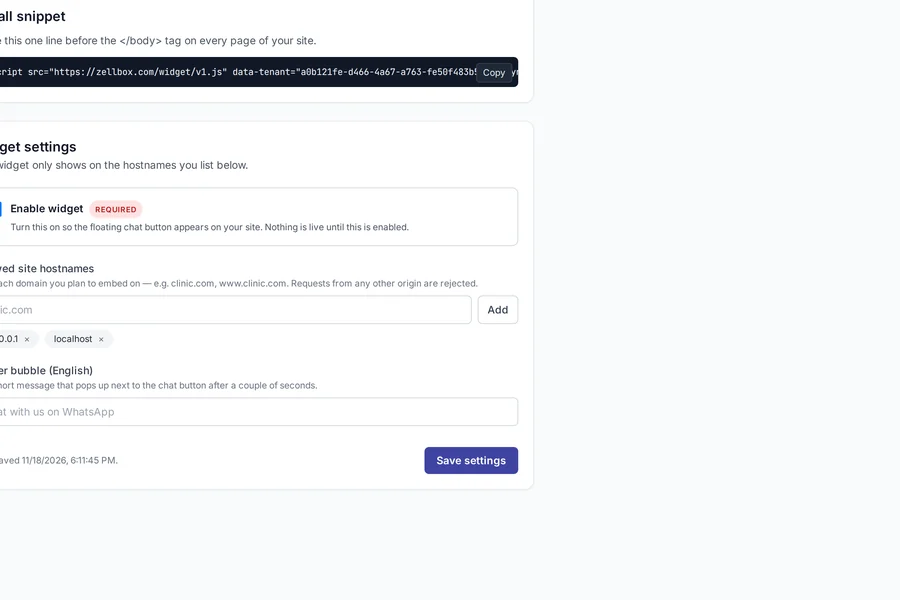
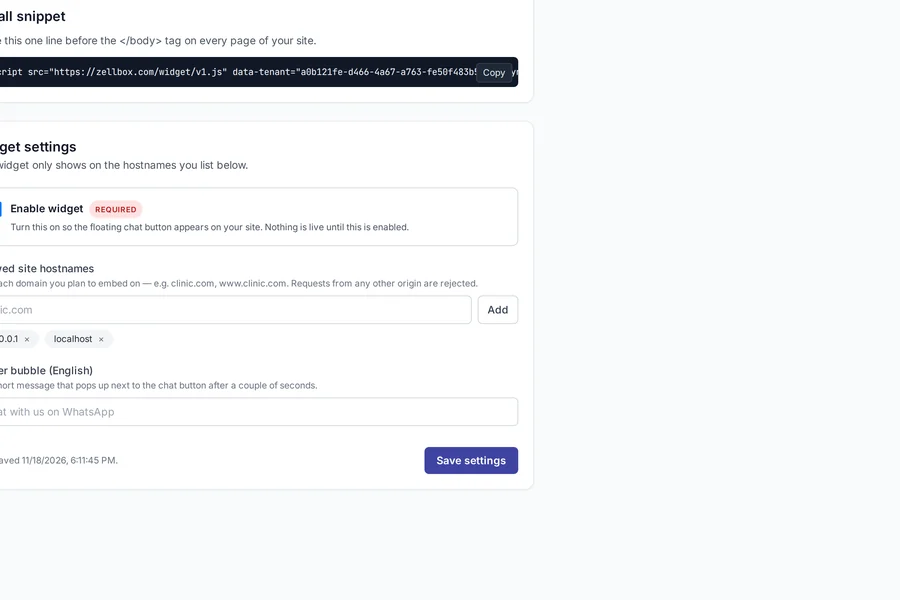
- One-line install
- Paste a single <script> tag before </body>. A WhatsApp bubble appears bottom-right on your site.
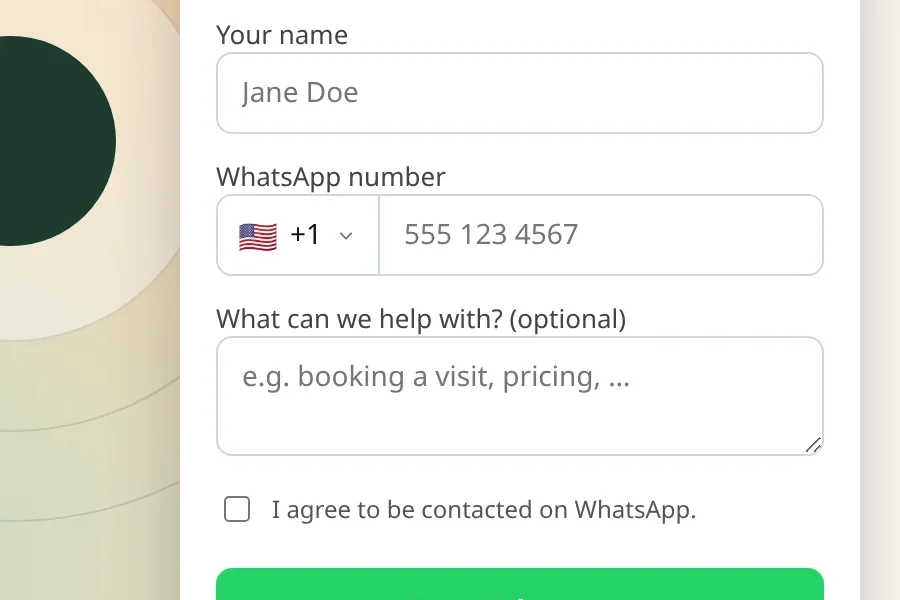
- Pre-chat form captures the lead
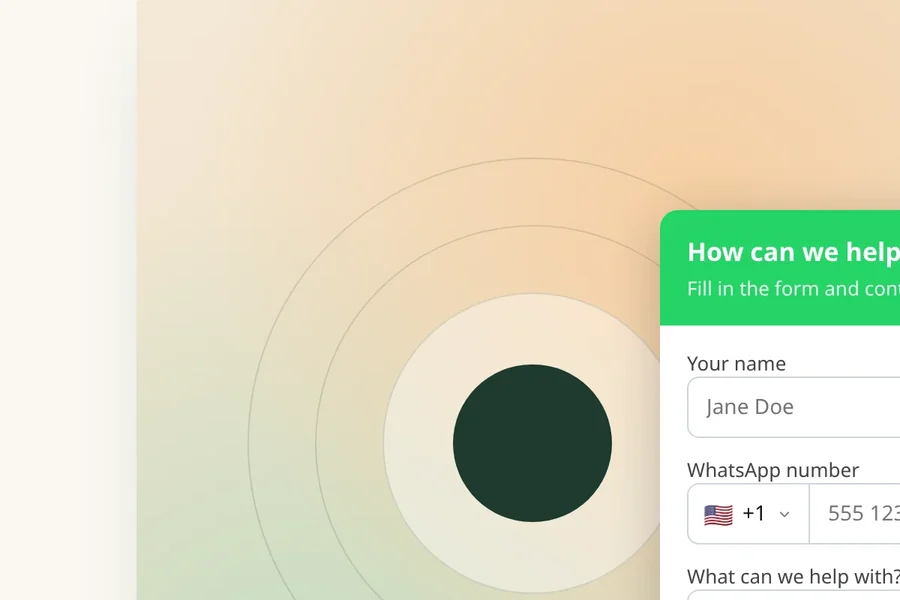
- Name, WhatsApp number, optional reason — captured in your Zellbox inbox the instant the form submits, so the lead is yours even if the visitor closes WhatsApp without typing a word.
- Own-number template send
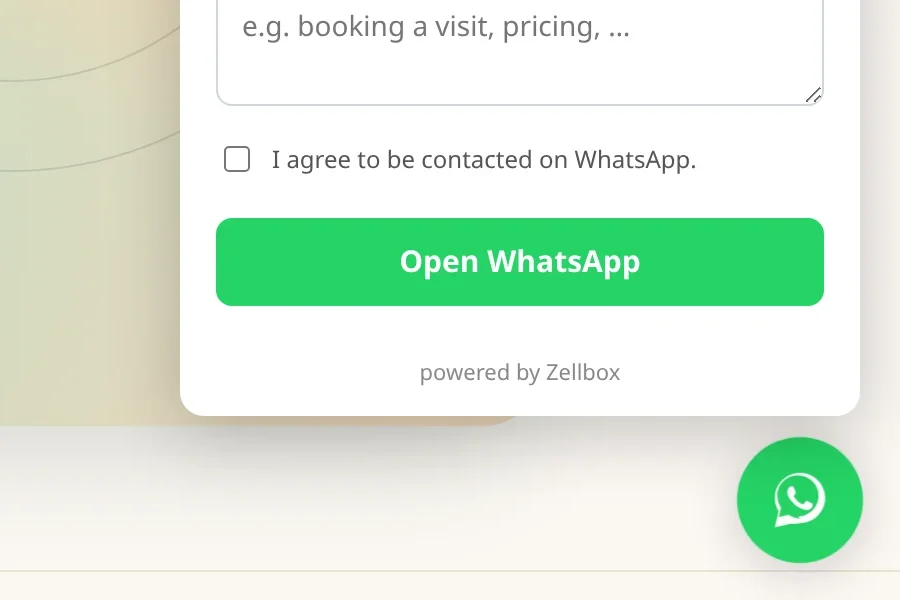
- On submit, Zellbox sends an approved template from your WABA. The visitor sees your business, not a vendor pane.
- Country picker, 65 markets
- Searchable dial-code picker auto-selected from the visitor's browser locale, with timezone fallback — a Spanish visitor sees +34 pre-selected, a Mexican visitor sees +52, no scrolling through 240 flags on a phone.
- 13 UI languages out of the box
- Widget reads the visitor's locale and renders in their language — no config needed.
- Closed Shadow DOM
- The widget mounts into a closed shadow root — your site's CSS can't touch it, its CSS can't touch your site.
- Allowed-origin whitelist
- The server refuses to send a template from a domain you haven't registered. No one can embed your WABA on a random site.
- <25 KB gzipped, no framework
- Vanilla DOM. Median render under 180ms on slow 3G — the widget is on screen before the visitor scrolls past it.
- Impression + expand + submit beacons
- Every widget load, open, and submit lands in a Zellbox events table. Real conversion numbers without wiring your own analytics.
- Leads inbox for unknown numbers
- When the lead's phone isn't a customer yet, it lands in the Leads inbox with the page they were on and the reason they typed.
- Lead-to-customer conversion
- One click on a lead creates the customer record with name, phone, and thread history pre-migrated — no retyping, no copy-paste, no "did we actually book them" limbo.
- GDPR consent checkbox
- Optional consent-to-contact checkbox with the exact text your jurisdiction requires.
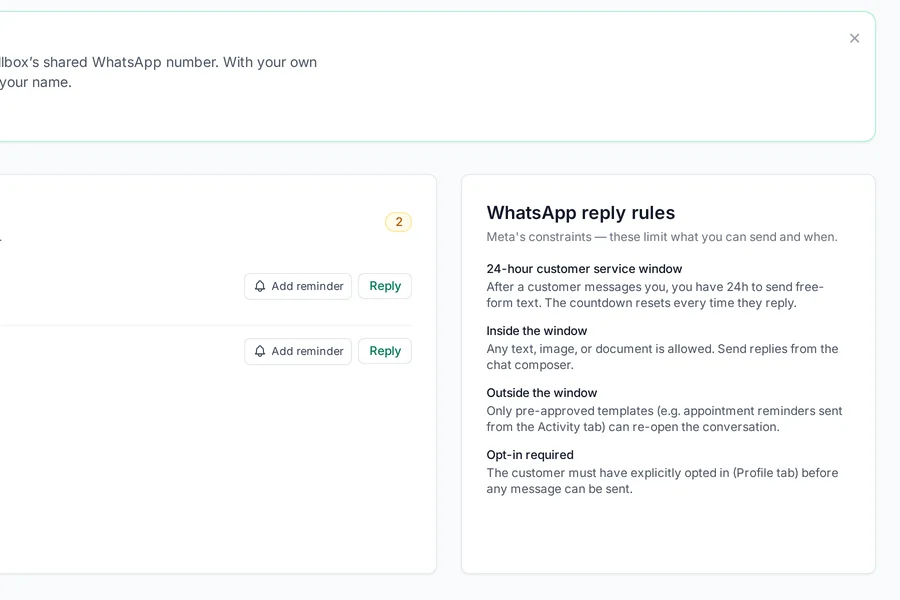
- Opens the 24h service window from minute zero
- The template send puts you inside WhatsApp's 24h free-reply window — the widget doesn't just capture the lead, it opens the cheapest reply path.
Website widget free on every Zellbox plan
Every feature on this page ships on the free plan. Pay only when your WhatsApp template volume or customer count passes the plan limit.
Read next
Scheduling + reminders features
A calendar built around the one thing appointment-driven businesses live or die by: did the customer show up. Zellbox syncs two ways with the Google Calendar your team already uses, fires reminders on the cadence you choose, captures the "yes I'll be there" reply, and reports no-show rate so the next operational decision has numbers behind it.
Scheduling features