Scheduling
Scheduling + reminders features
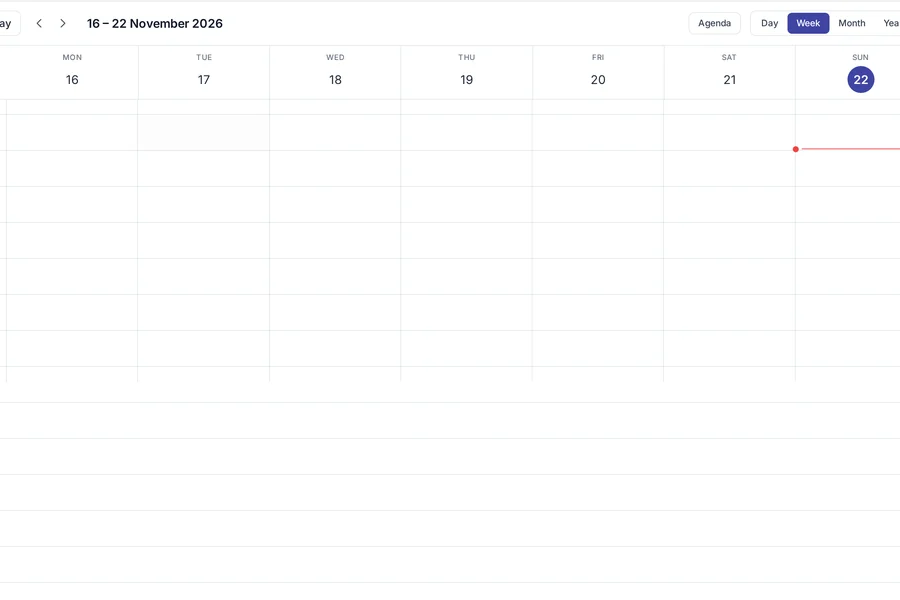
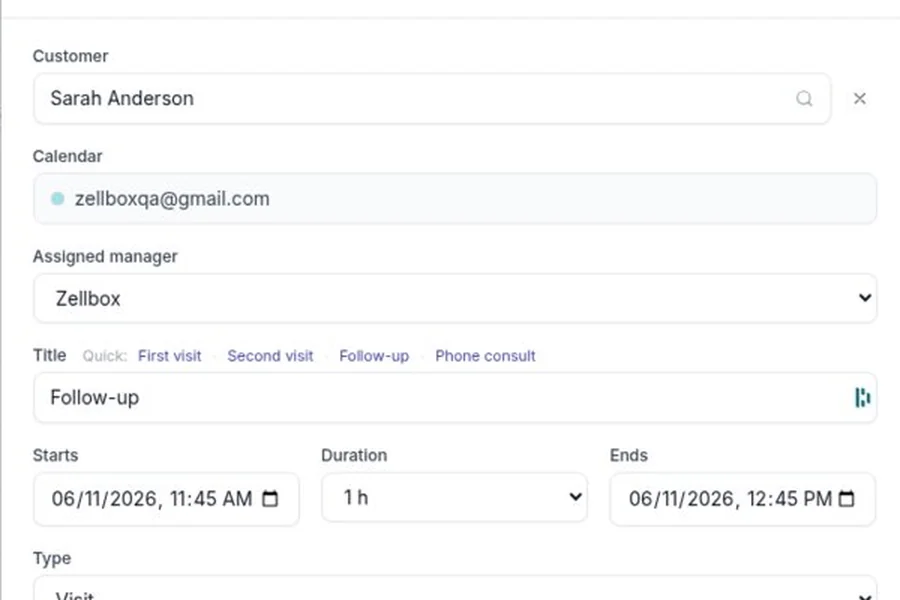
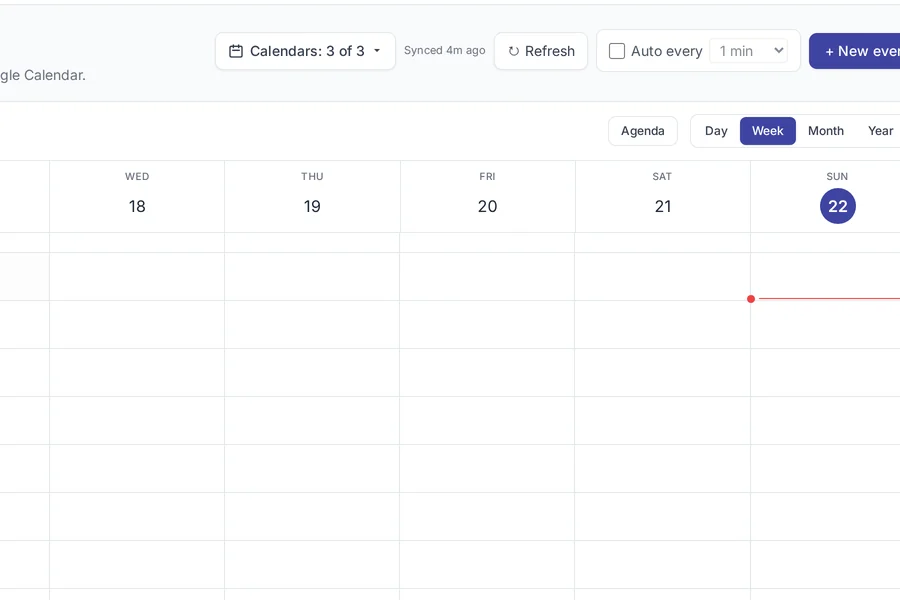
A calendar built around the one thing appointment-driven businesses live or die by: did the customer show up. Zellbox syncs two ways with the Google Calendar your team already uses, fires reminders on the cadence you choose, captures the "yes I'll be there" reply, and reports no-show rate so the next operational decision has numbers behind it.

All scheduling features
- Week / day / agenda calendar views
- Pick the layout that fits the shift — a therapist wants the day column, a receptionist wants the week grid, the founder wants the agenda list. Keyboard shortcuts for every view.
- Drag-to-reschedule
- Drag the appointment to a new slot. The customer gets the reschedule WhatsApp automatically.
- Google Calendar two-way sync
- Zellbox events appear in Google Calendar, Google Calendar edits appear in Zellbox. No duplicate entry.
- Per-offset reminder defaults
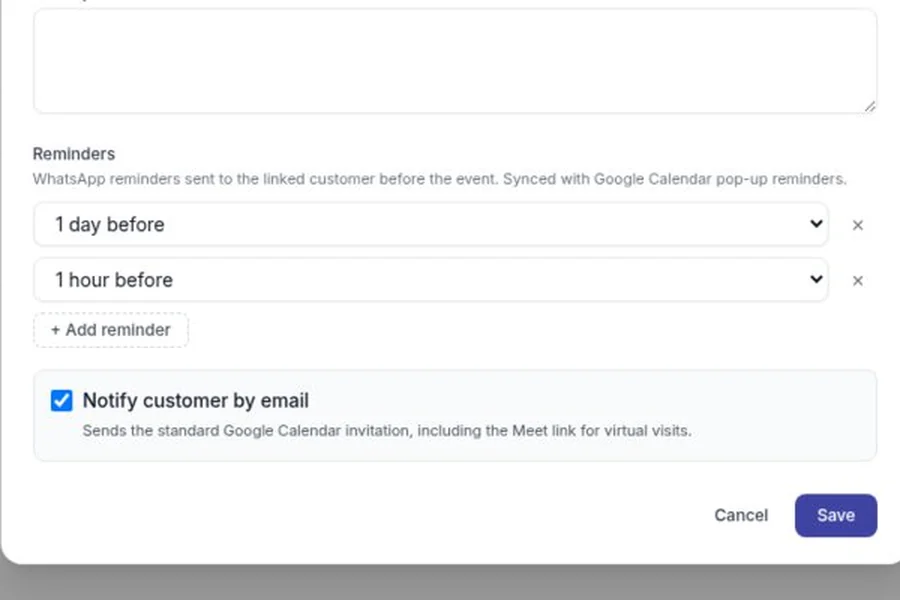
- Configure the reminder schedule once — 24h, 2h, 30min — and Zellbox applies it to every new event, so no one forgets to tick the reminder box on a Tuesday-afternoon booking.
- Per-event reminder overrides
- Any single appointment can opt out, add an extra, or shift the window — the VIP patient's 2-week-out confirmation, the sensitive follow-up that shouldn't send at midnight.
- Attendance status capture
- SI/NO reply flips the event's attendance status. No-shows and confirmations surface in the day view.
- Reschedule inbox
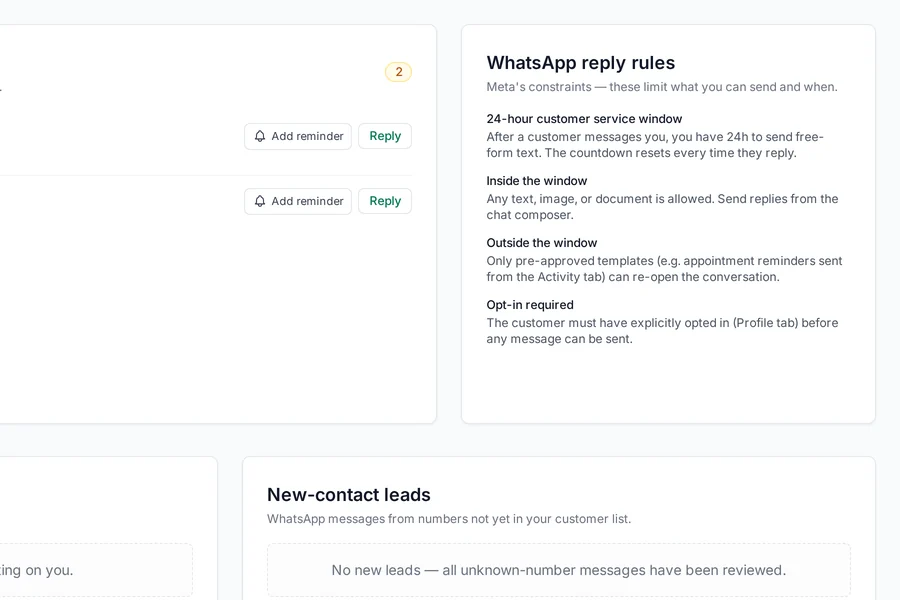
- When a customer replies "need to reschedule", the event lands in a dedicated queue with Mark-resolved and Open-conversation actions.
- No-show calculator
- Interactive ROI model showing how much a no-show costs your business, with a 30-day Zellbox projection.
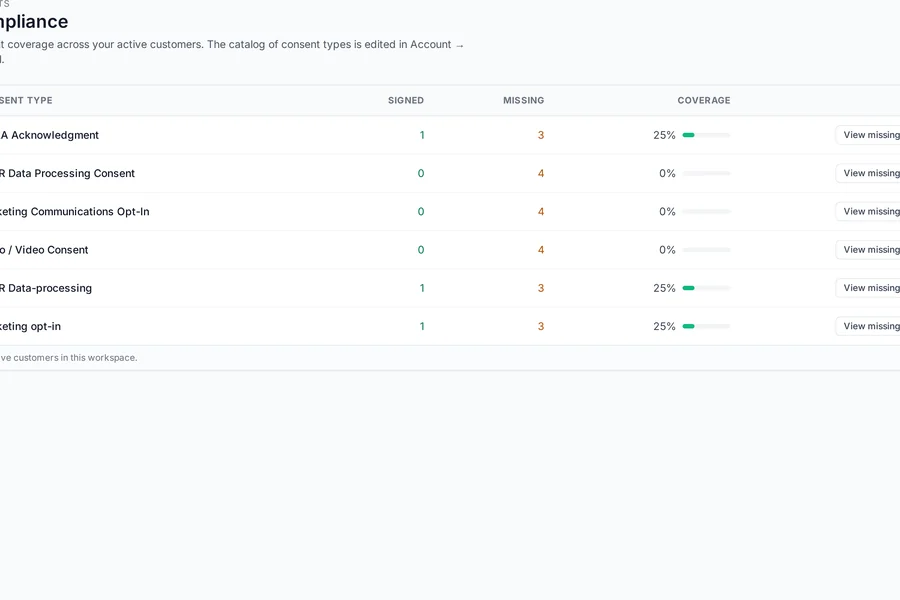
- Compliance report
- Per-customer adherence, first-visit vs follow-up rate, no-show rate — a sortable dashboard so you can spot the one patient who's cost you three slots this month.
- Stale-reschedule digest
- A customer asked to reschedule and you didn't answer in 24h? Zellbox emails the digest so it doesn't fall through.
- Recurring appointments
- Weekly, monthly, or custom cadence — the series is managed as one entity with per-instance overrides, so moving one week's session doesn't break the other 11.
- Multi-staff + multi-location
- One calendar per operator, filterable by location — the branch therapist sees only her branch's bookings, the receptionist sees everyone in one grid.
- Customer colour coding
- Tag customers or event types with colours that survive the Google Calendar sync — new patients blue, follow-ups green, no-show-prone red, at a glance.
Scheduling free on every Zellbox plan
Every feature on this page ships on the free plan. Pay only when your WhatsApp template volume or customer count passes the plan limit.
Read next
Shared inbox features
One inbox where every WhatsApp conversation, every Gmail thread, and every website-widget lead lives next to the same customer. Replace the pattern where one team member answers a WhatsApp, another forwards an email, and nobody knows what was said — with a single threaded surface the whole team can see.
Shared inbox features